.png)
AI Dojo Admin Portal Guide
Admin Portal (For Platform Admin)
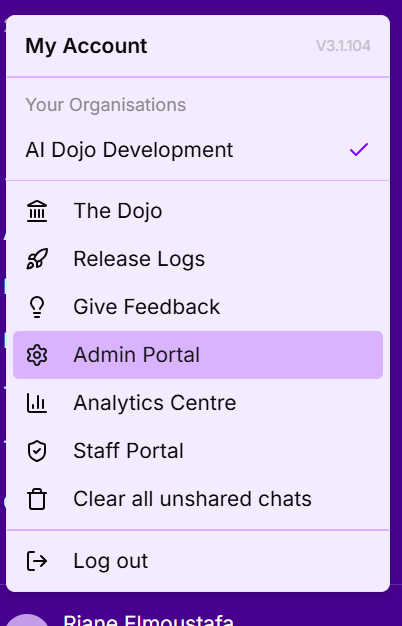
The Admin Portal is available to any users that have been set as admins and provides a single page to manage and monitor their deployment. If you are an admin user, the portal will be available to you via the account dropdown in the bottom of the Sidebar panel.
Organisation Management
The Organisation Management tab provides tools for customising your AI platform and user communication during slowdowns or issues.

Here you can:
- Instruct AI Context: It defines the AI's knowledge, personality, tone, and purpose based on your organisational needs.
- Example: AI Dojo is a specialised AI enablement program designed for Australian accounting firms. It combines a secure, onshore AI workspace with practical training and strategic guidance to help firms safely embed AI into everyday accounting workflows. Through its AI workbench, bootcamps, fortnightly webinars and strategy workshops, AI Dojo focuses on lifting team-wide AI fluency, improving productivity, and building a clear, governed roadmap from quick wins to high‑impact automation across the firm.
- Define Organisation Writing Guide: It provides instructions to the Client Communications skill.
- Examples:
- Use Australian English spelling
- Use 'DD/MM/YYYY' as the date format
- Examples:
- App Customisation: Configure your AI Dojo persona, platform name, sidebar colour and hero image to establish a consistent visual identity.
User Management
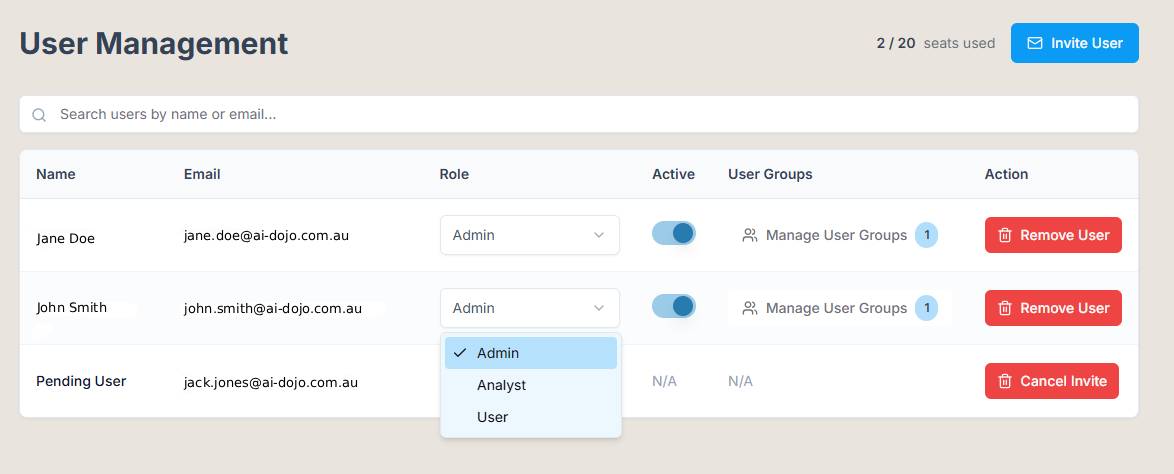
The User Management tab is where you handle all aspects of user roles and permissions, ensuring proper access control within the platform. Key functions include:
- Promote/Demote Users to Admin Roles: Elevate or reduce user privileges to manage administrative responsibilities.
- Assign Users to Groups: Group users based on their roles or departments to streamline assistant access management and improve security.
- Invite Users: Add new team members to the platform via email to expand access and collaboration.
User Group Management
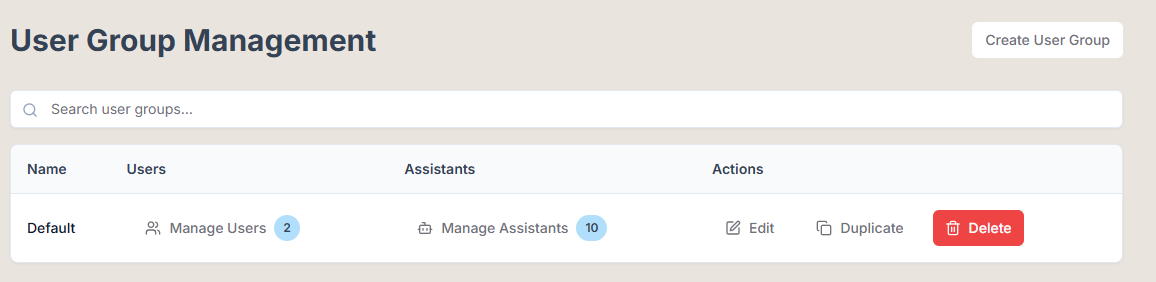
User Group Management allows you to effectively categorise users and control their access to various assistants and functionalities. In this tab, you can:
- Create New Groups: Build user groups tailored to specific roles or projects within your organisation.
- Note: A default group is created during deployment, which includes all users by default.
Chat Tag Management
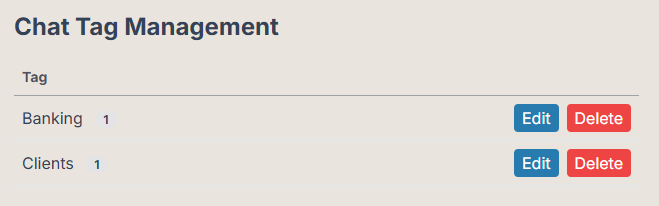
Within the Chat Tag Management tab, you can organise and monitor conversations more efficiently. This feature allows you to:
- Rename Chat Tags: Customise tags for better clarity and relevance to ongoing discussions.
- Delete Chat Tags: Remove outdated or unnecessary tags to maintain an organised and efficient tagging system.
Billing Management
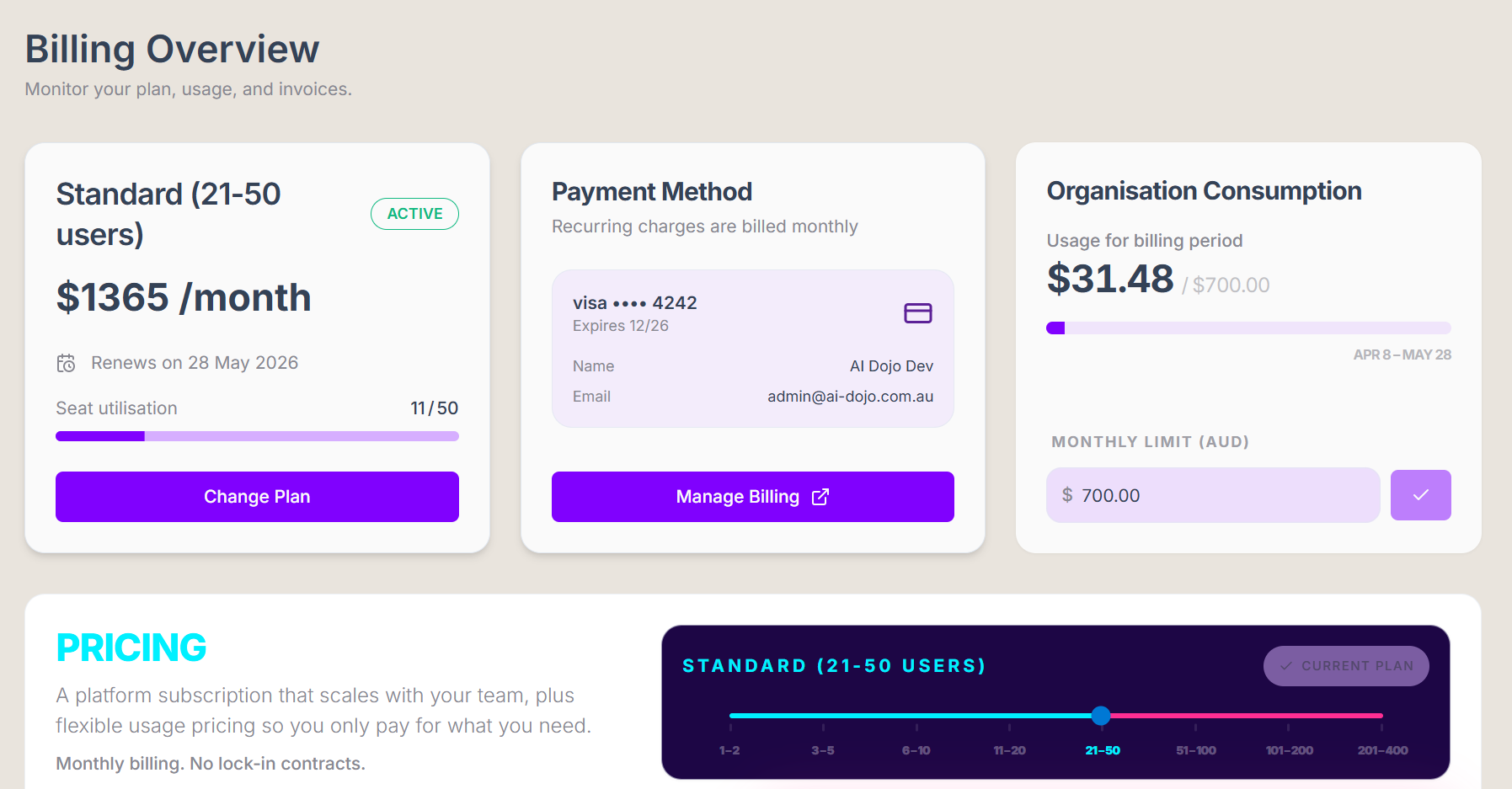
Manage your subscription billing here. In this tab you can update your subscription tiers and manage your monthly consumption limits.
Analytics Centre (For Platform Admin and Analytics Users)
If you're an admin, you’ll find the Analytics Centre in the account menu.
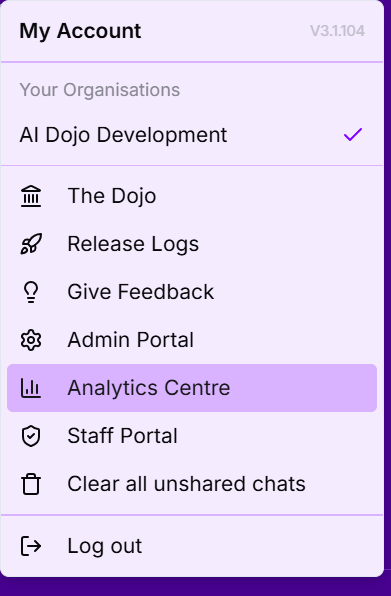
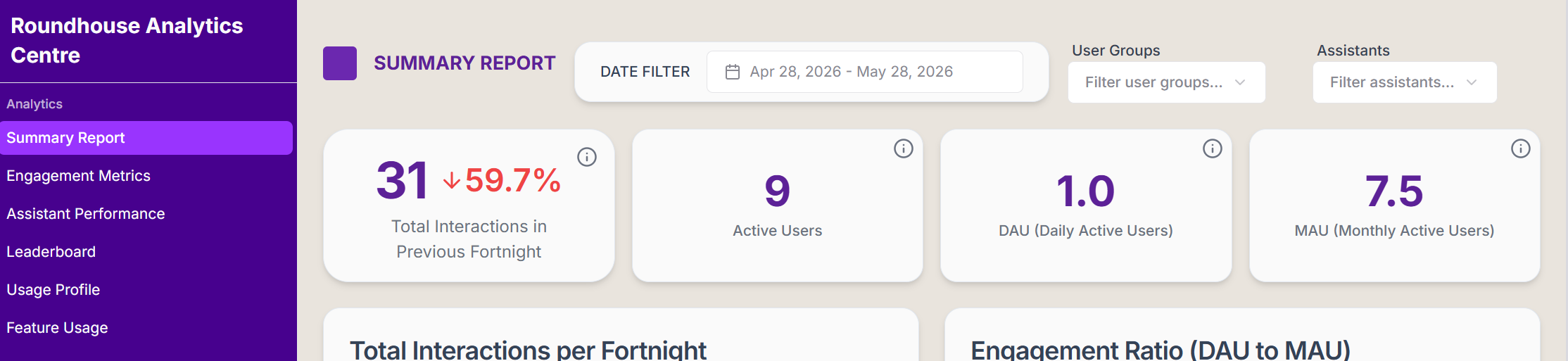
You can view:
- Summary Report
- Engagement Metrics
- Assistant Performance
- Leaderboard
- Usage Profile
- Feature Usage
Need Help?
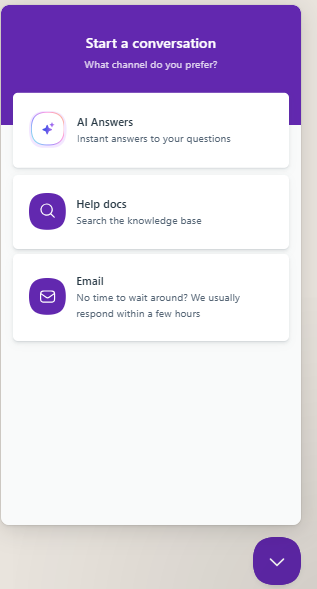
Look for the 🗨️ button in the bottom-left corner. You can:
- Search the help articles
- Ask a question
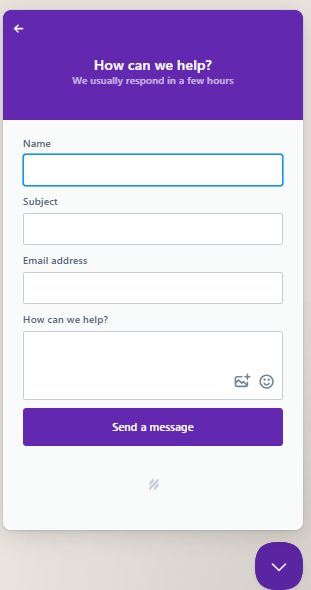
- Report a bug or request a feature - Our support team will get back to you as soon as possible.